How Nelen works
Nelen joins the chats your team already uses, learns your company from every conversation, and helps every department decide better.
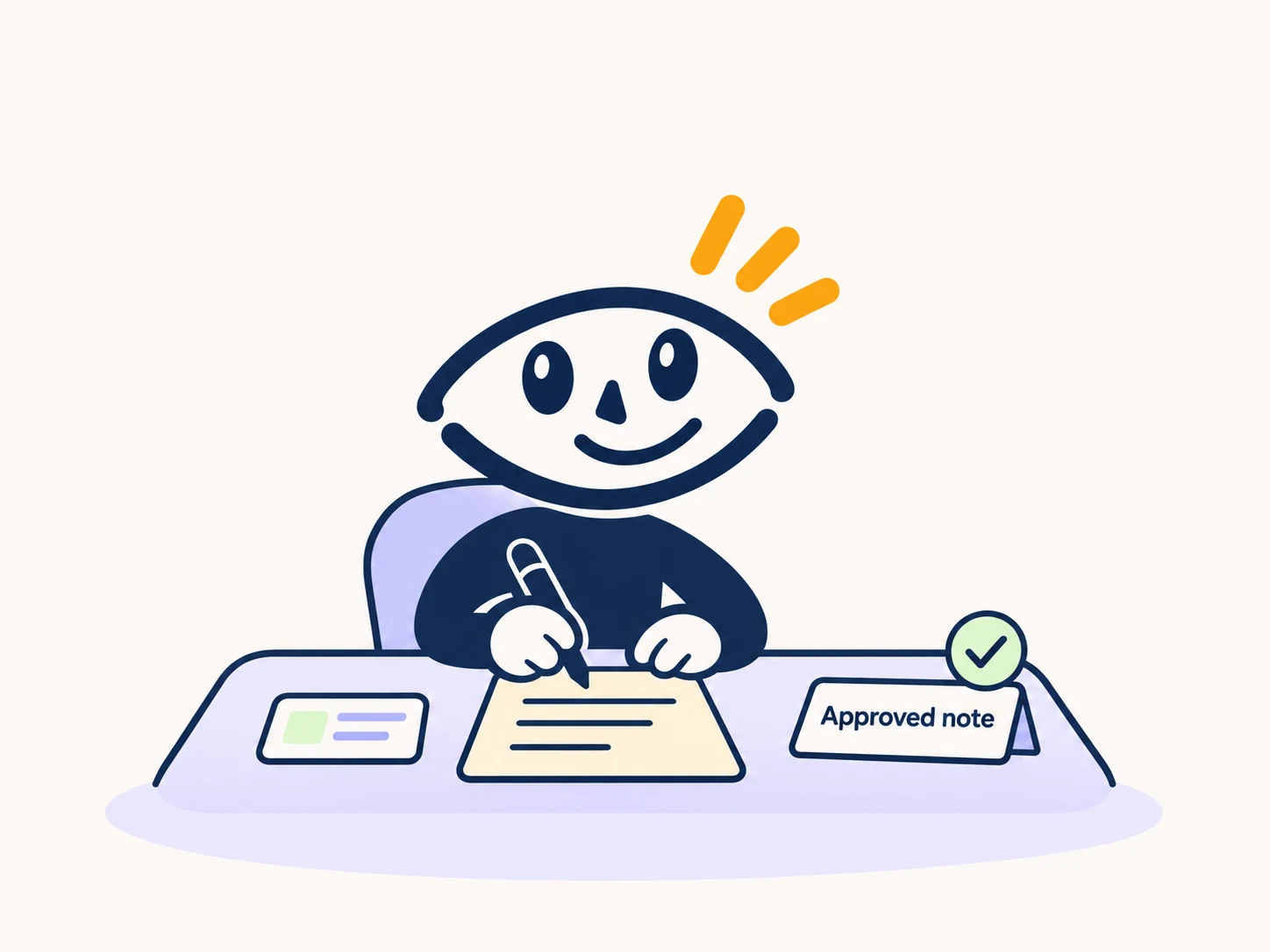
Start with one manager and one real problem.
1
Connect one chat.
We set up Nelen in one chat app you choose.
2
Set the rules.
Tell Nelen who can talk to it and which company facts it can use.
3
Give it one job.
Customer follow-ups or meeting decisions are a good start.
4
Add more teams.
Once the first job works, bring in the next team.
Your team learns by asking normal questions during normal work.
AI is already inside your company. It is stuck in separate tabs.
One manager asks ChatGPT. Another pastes a Claude answer into an email. No chat knows what the others said, so the owner passes answers around by hand.
Nelen is one shared teammate that every manager can ask, each in their own chat.

Nelen remembers what your company decided.
Old chats scroll away and managers go on holiday. Nelen keeps the decisions and promises your company chooses to share, so anyone allowed can ask about them later.
A person checks important facts before acting on them.
Example (illustration)
T
Team member
Why do we always ask this customer for a deposit?
Nelen
Finance set that rule after two late payments in March. The owner approved it for future orders.
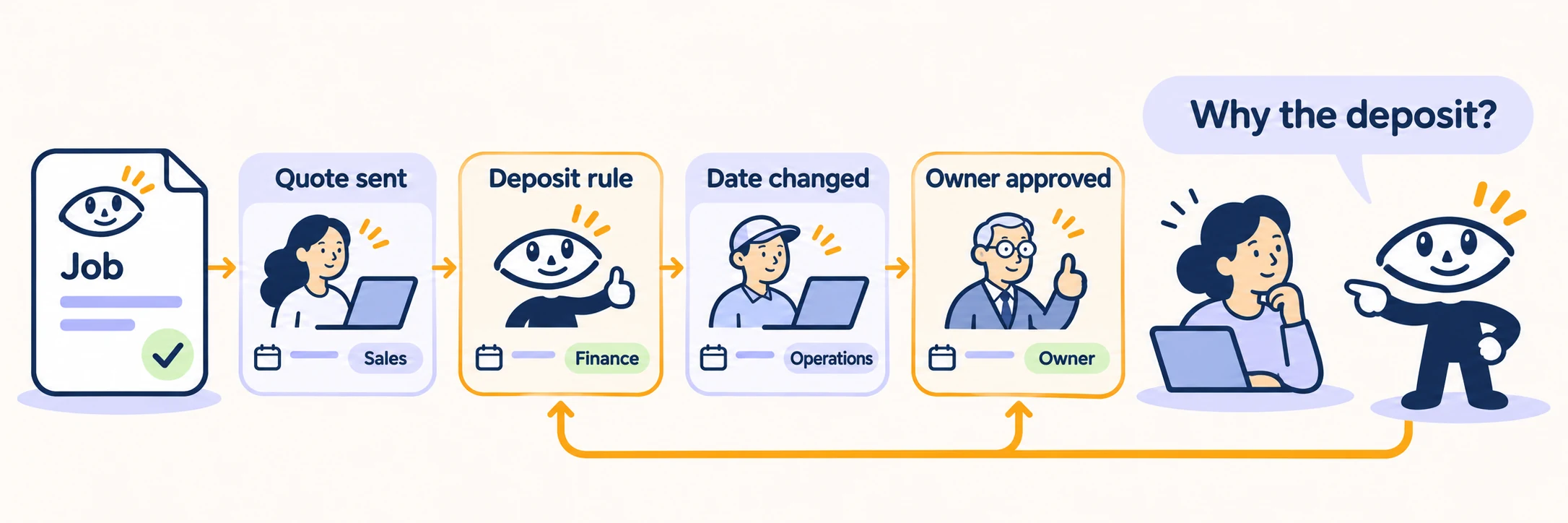
Quote sent (Sales) Deposit rule (Finance) Date changed (Operations) Owner approved (Owner) “Why the deposit?”
Tap to enlarge
Give Nelen the jobs that pile up around meetings.
Before a meeting.
Lists the open customer issues and late work.
During a meeting.
Takes notes and records who agreed to do what. Planned for early access.
After a meeting.
Sends each approved task to the right person. Planned for early access.
During the week.
Spots missed follow-ups and drafts the replies.
Any time.
Writes documents in your company’s own format. Planned for early access.
When the owner asks.
Explains what changed, what is blocked and which decision moves the work forward.
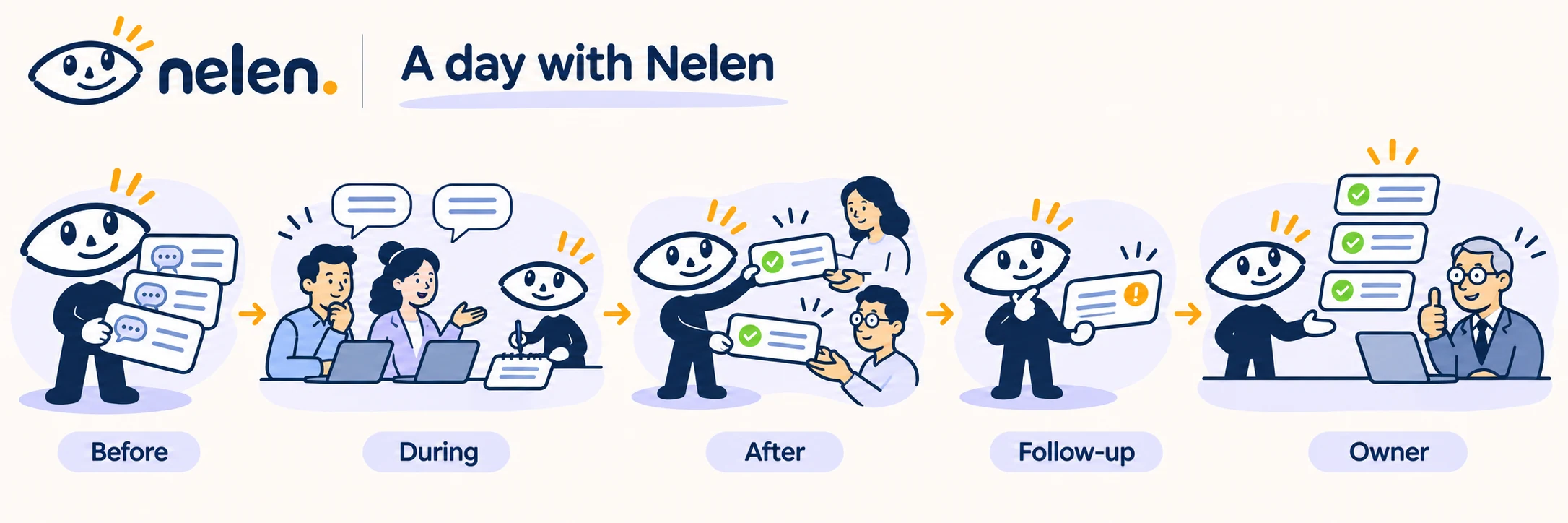
Before During After Follow-up Owner
Tap to enlarge
One customer request.
Four departments.
One clear answer.
The owner made one decision, and sales got the answer in its own chat.

Example (illustration): one customer request, from sales to the owner and back.
S
Sales
The customer wants 100 units next Friday.
Op
Operations
80 are ready. 20 more on Monday.
F
Finance
Two invoices are fine.
Nelen to the owner
Offer 80 Friday and 20 Monday?
O
Owner
Yes.
Nelen to Sales
Approved.
Ask in chat. Nelen checks your calendar and records.
Get a visit time or customer update without opening another app.
Calendar and record connections are planned for early access. We connect each app only with your permission.
Example (illustration)
T
Team member
When can we visit this customer next week?
Nelen
Thursday at 10 is free for the field team, and this customer prefers mornings. Want me to offer it?

Prepare the customer update Calendar Customer record Finance Reply ready
Tap to enlarge
See Nelen in your own chat.